Inside the app
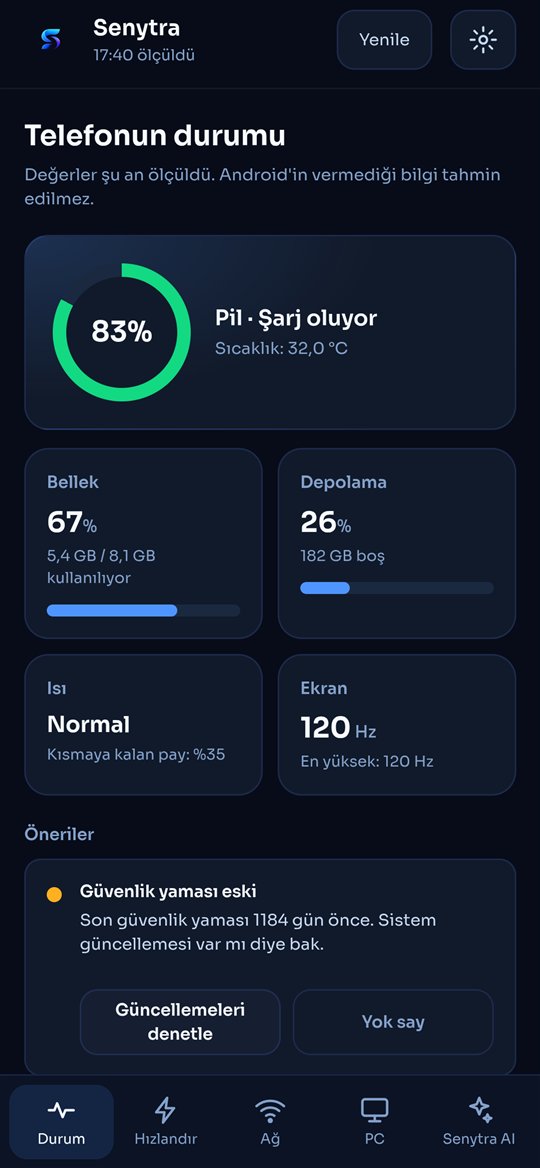
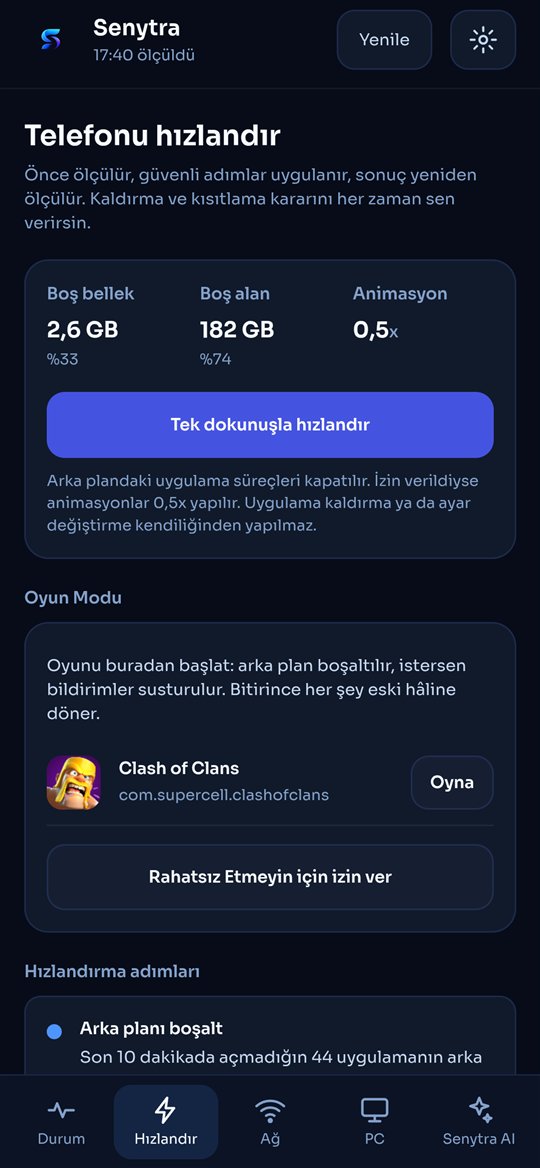
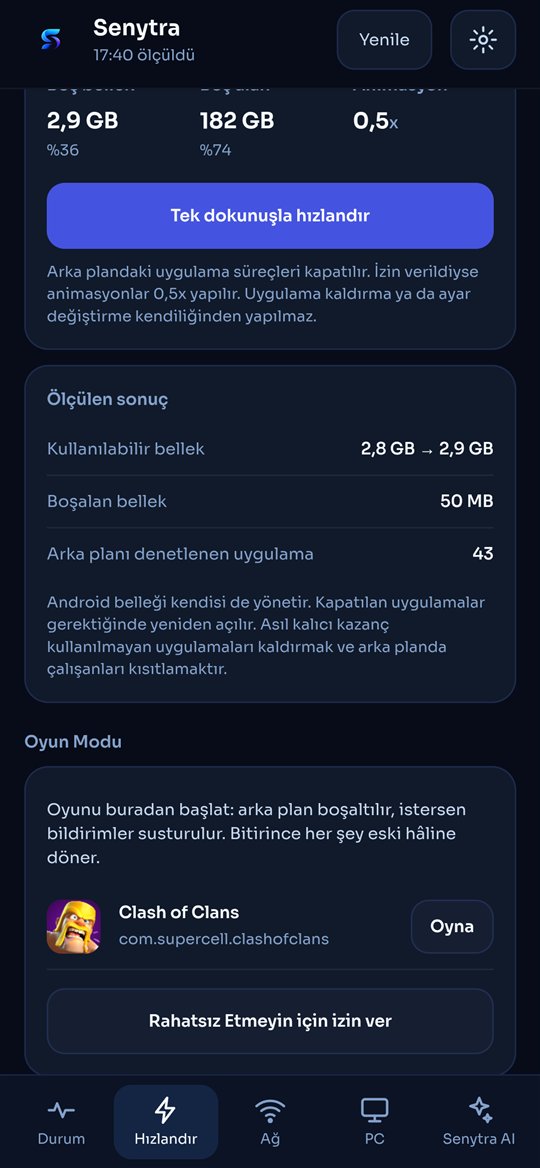
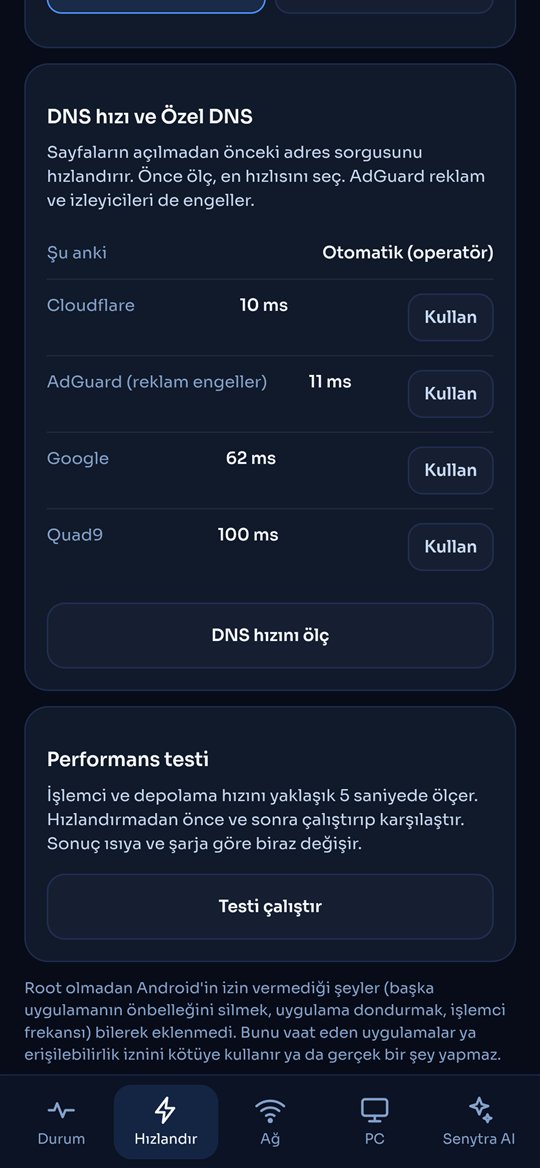
Senytra measures battery, memory, storage and heat, speeds up your phone with results you can see, frees real space and keeps an eye on Senytra on your Windows PC.
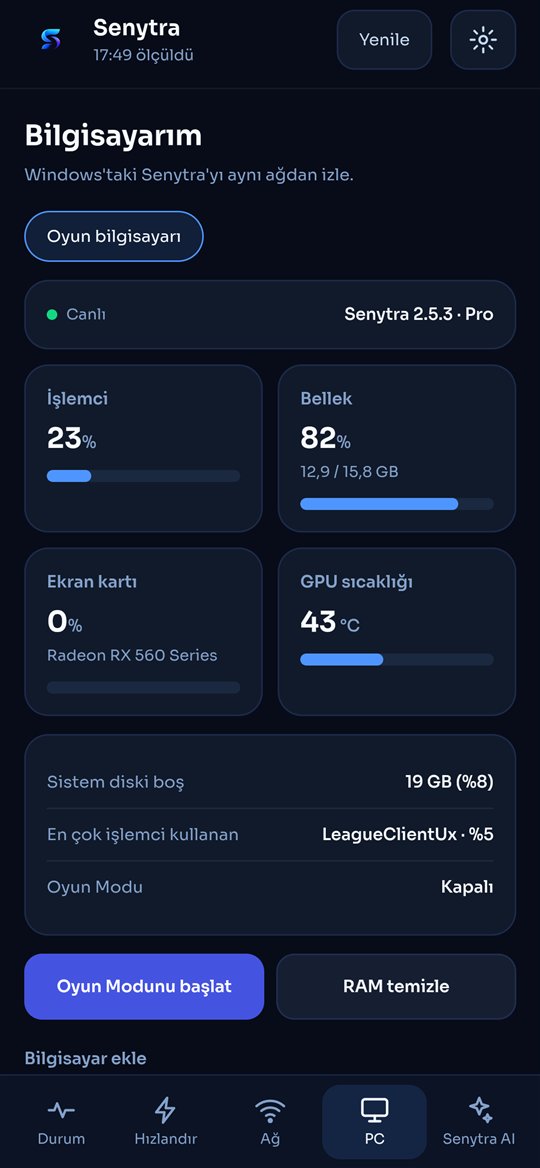
Pair Senytra for Android with Senytra on Windows. Your phone shows CPU, memory, graphics card and its temperature live, and Senytra Pro lets you start or stop Game Booster and clean memory without leaving the game.
Battery health, temperature, memory, storage, heat and security, measured directly. The charge guard alerts you at 80% and records every charge.
One-tap clean of background apps with a before and after measurement, unused apps to remove, apps that drain in the background and a guided advanced section.
Start a game from Senytra: the background is cleared, Do Not Disturb can be turned on and everything goes back when you finish.
Leftovers of uninstalled apps, thumbnail caches, old downloads, large and duplicate files across the whole phone. Nothing is deleted without your confirmation.
Pair with Senytra on Windows to see CPU, memory, graphics card and temperature live. Senytra Pro can start Game Mode and clean memory from the phone.
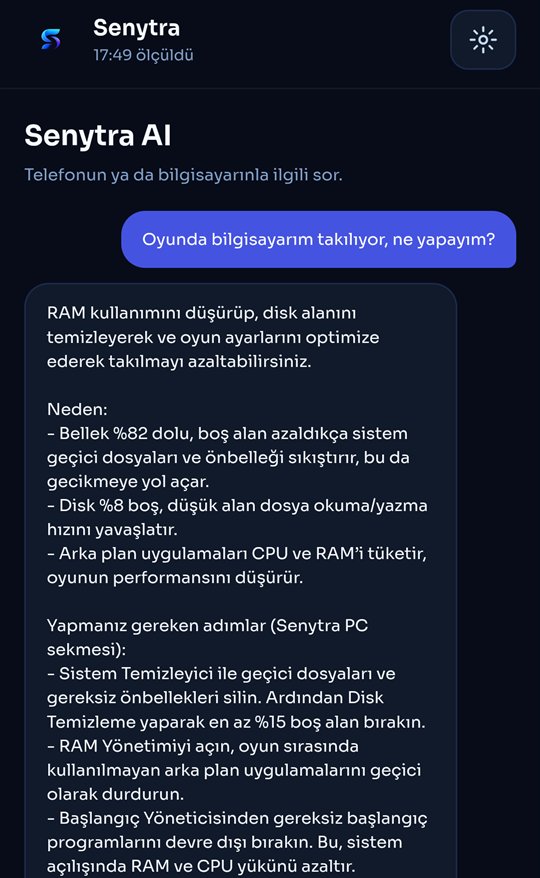
Ask about your phone or your PC. Only measurements are sent; passwords and card numbers you type are removed.
c35154f8660306f58208a347c5669e0a0bbc6ca3c5421289e21d6e568f5626d7
Signing certificate (SHA-256). The app checks this itself; a copy signed by anyone else refuses to connect.
68387f45c93336b4b016e06dff87db0a1b6c89274cd3295bddfeac2d001a2d9e