Pro performance settings
Deeper settings that Free leaves alone.
- Pro System Settings
- Pro Service Settings
- GPU Performance
- Senytra AI
Pro adds tools that work while a game is running: they prepare the session, record stutters, steer resources to the game and compare the result with your earlier sessions. Every Free tool stays in Free.
 Senytra Pro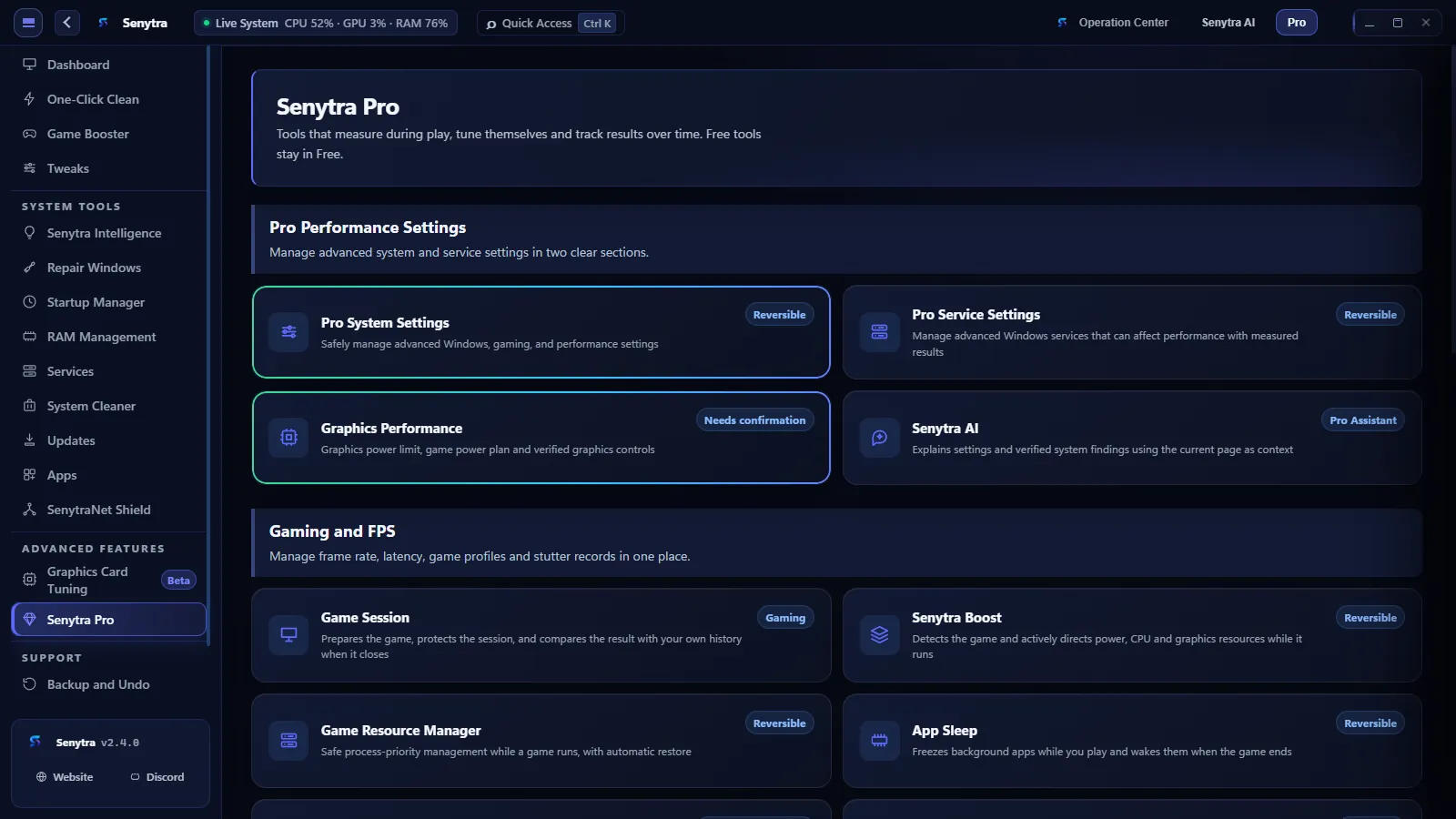
Pro is laid out in the app exactly like this, and each tool opens from its own section.
Deeper settings that Free leaves alone.
Tools that start when the game starts.
Choose a 30, 60 or 90 day plan, or activate a lifetime license. Current prices are shown in the purchase screen.
Choose the Senytra Pro plan that fits you and complete your purchase securely on Shopier.
Buy on ShopierAfter payment, enter the Shopier order number and purchase email in Senytra.
The verified license is activated for this computer and its validity date is shown in Settings.
Install Senytra, open the Pro workspace and choose the plan that fits you.