The target is checked again when the operation begins, the interface is not treated as the source of truth.
Ready in
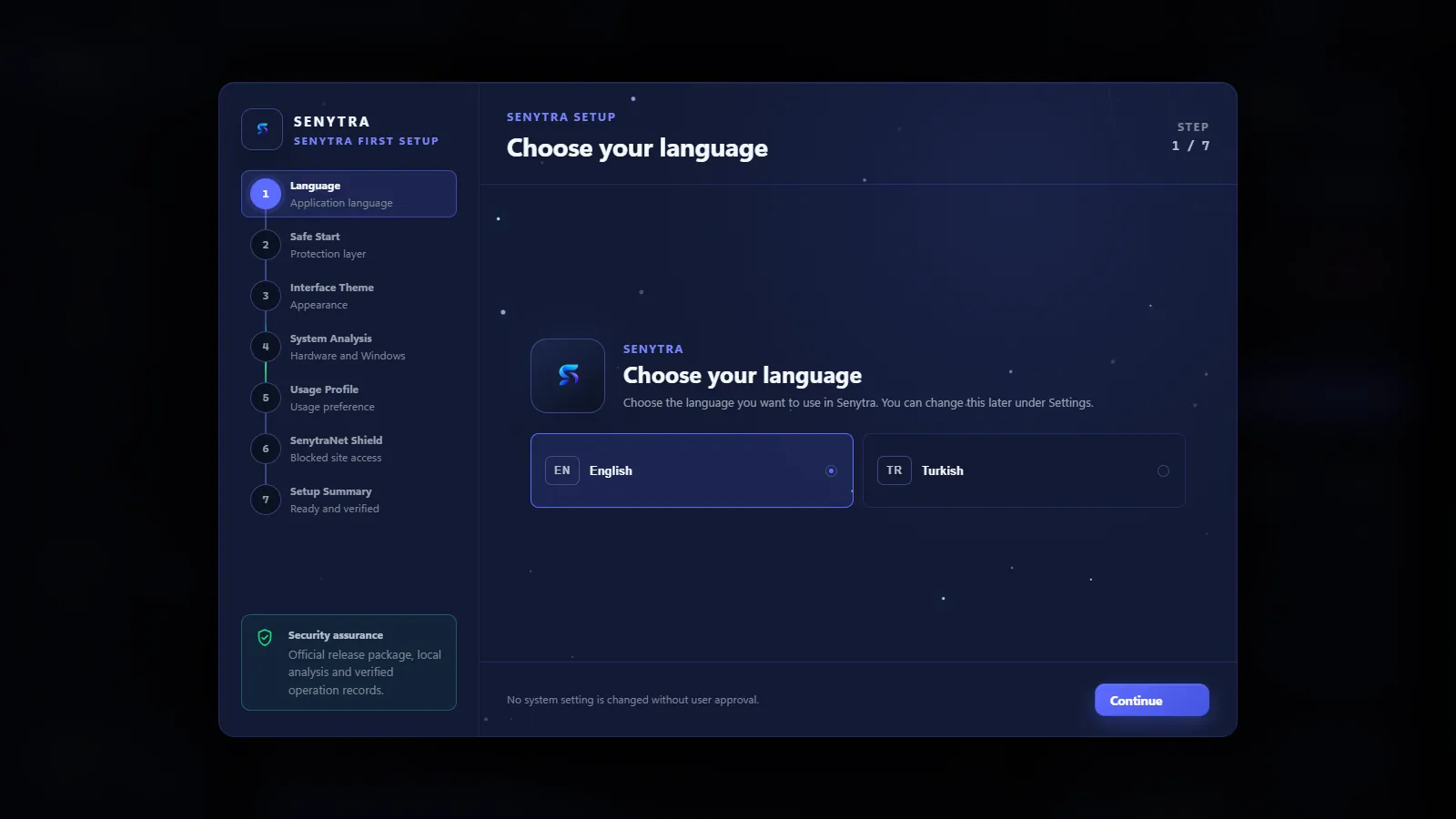
eight short steps.

A quick view of the system areas worth checking.
Senytra finds the apps, services and files that run in the background for nothing, and backs up every change first. Senytra Eşik runs two power plans in the same 3D scene, measures FPS and frame time, and you decide which one stays.
Free for Windows 10 and 11. Every change is backed up first and can be undone.
Pick the closest problem. Each guide shows which Senytra screen helps and what it changes.


This section is a demo: CPU, memory, GPU and startup values change as examples while the page is open. Real values are on the Dashboard inside the app.
Move the divider to see the example state before and after cleanup. The values below follow the same position.
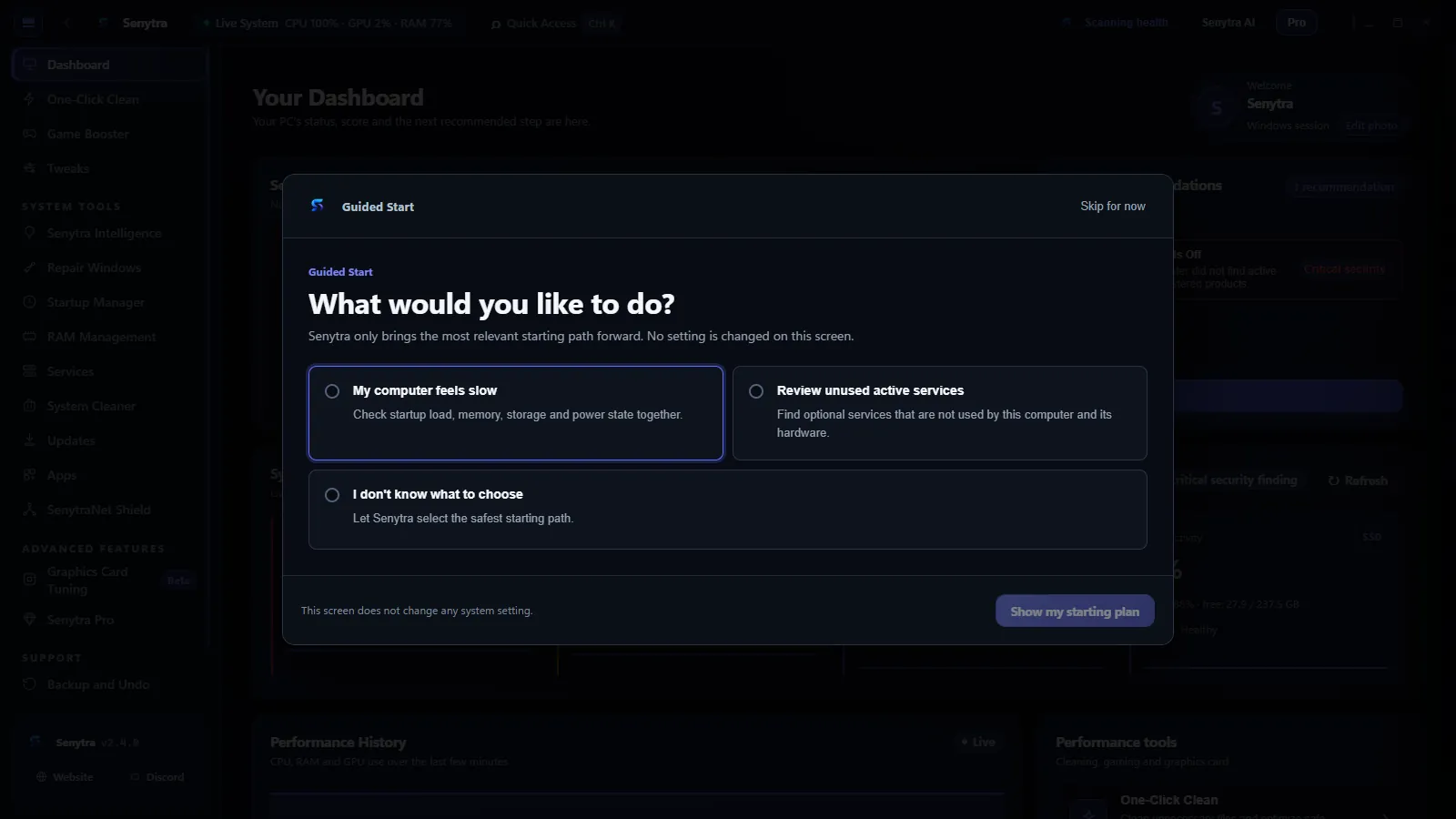
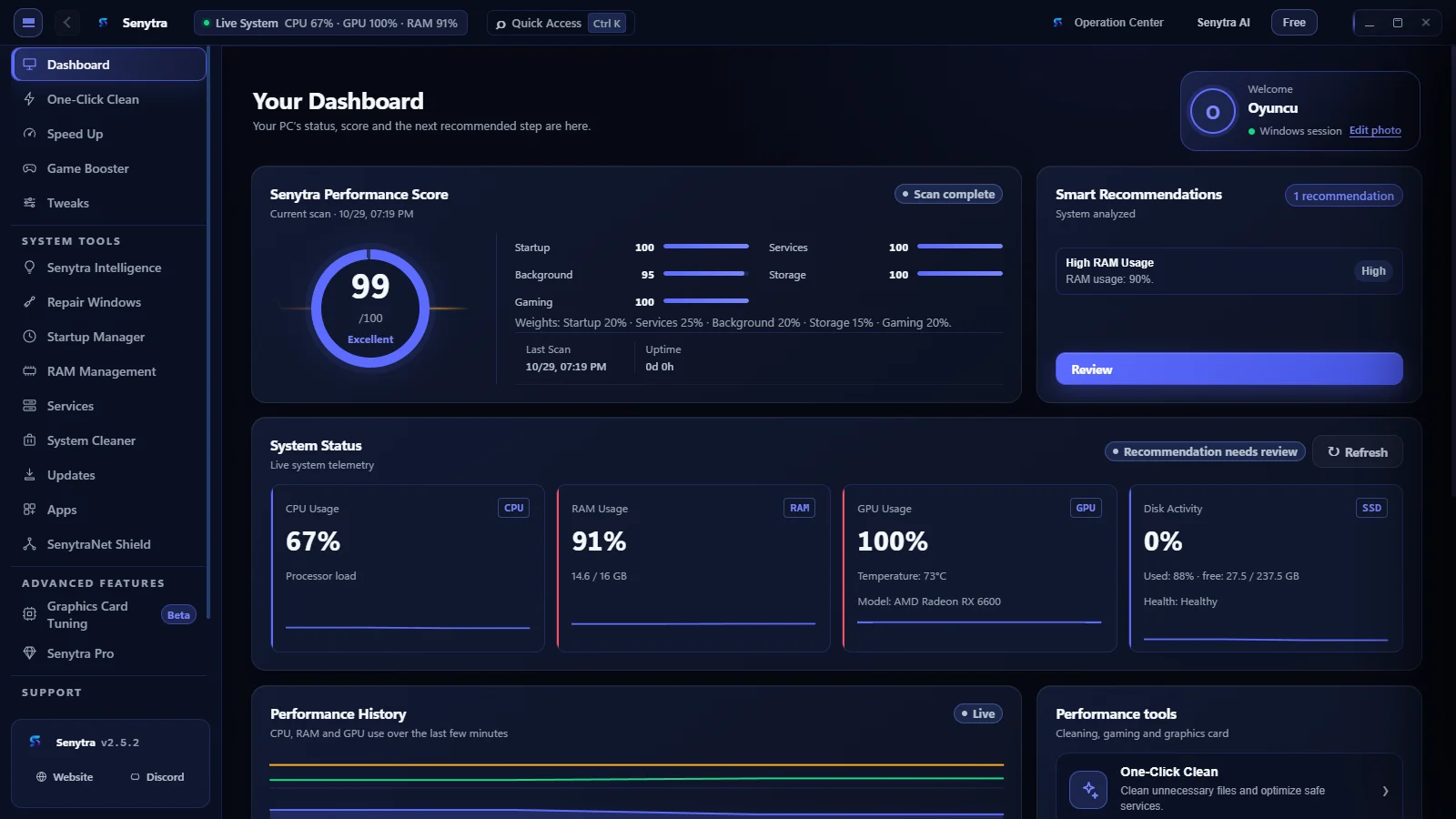
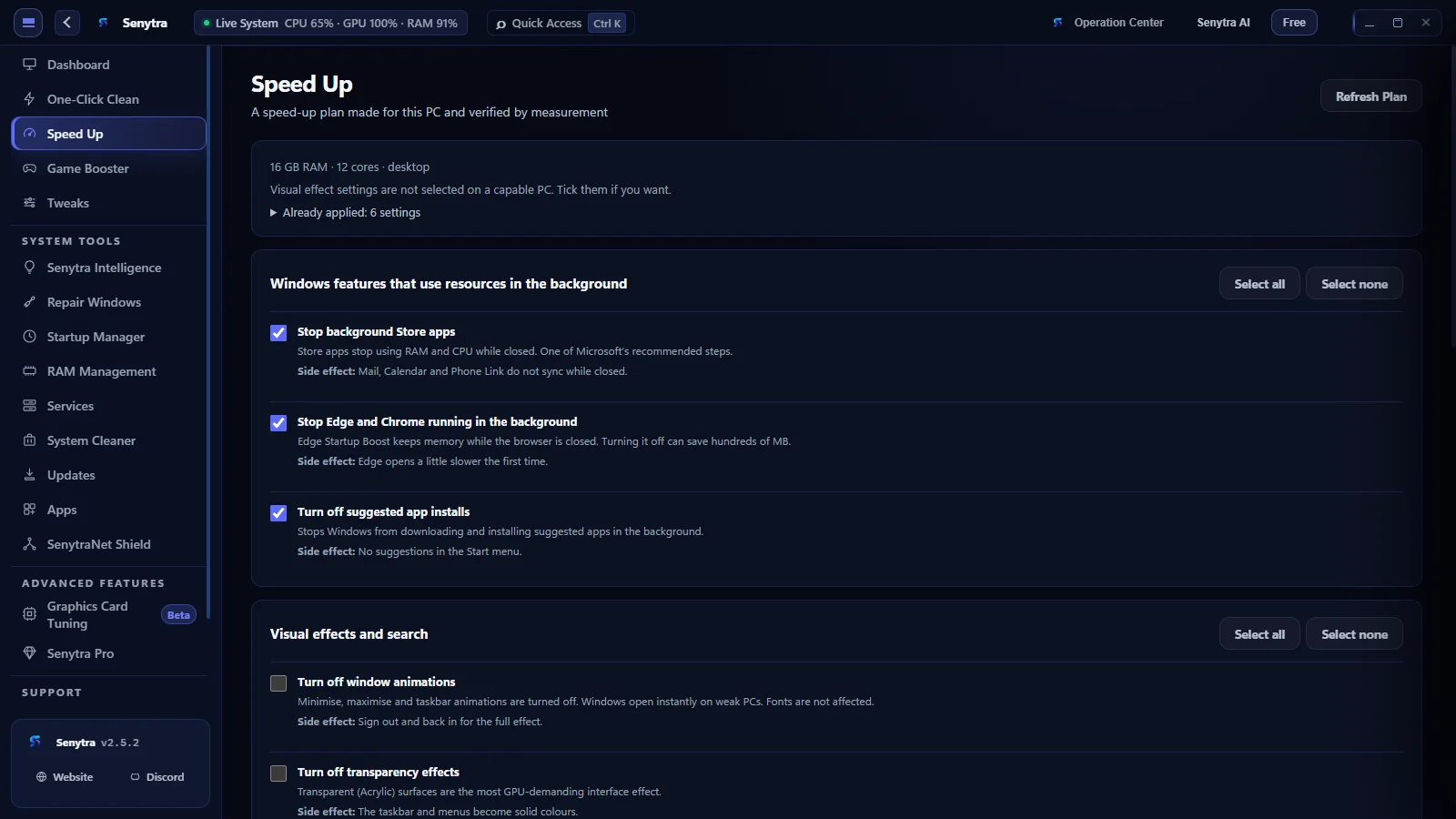
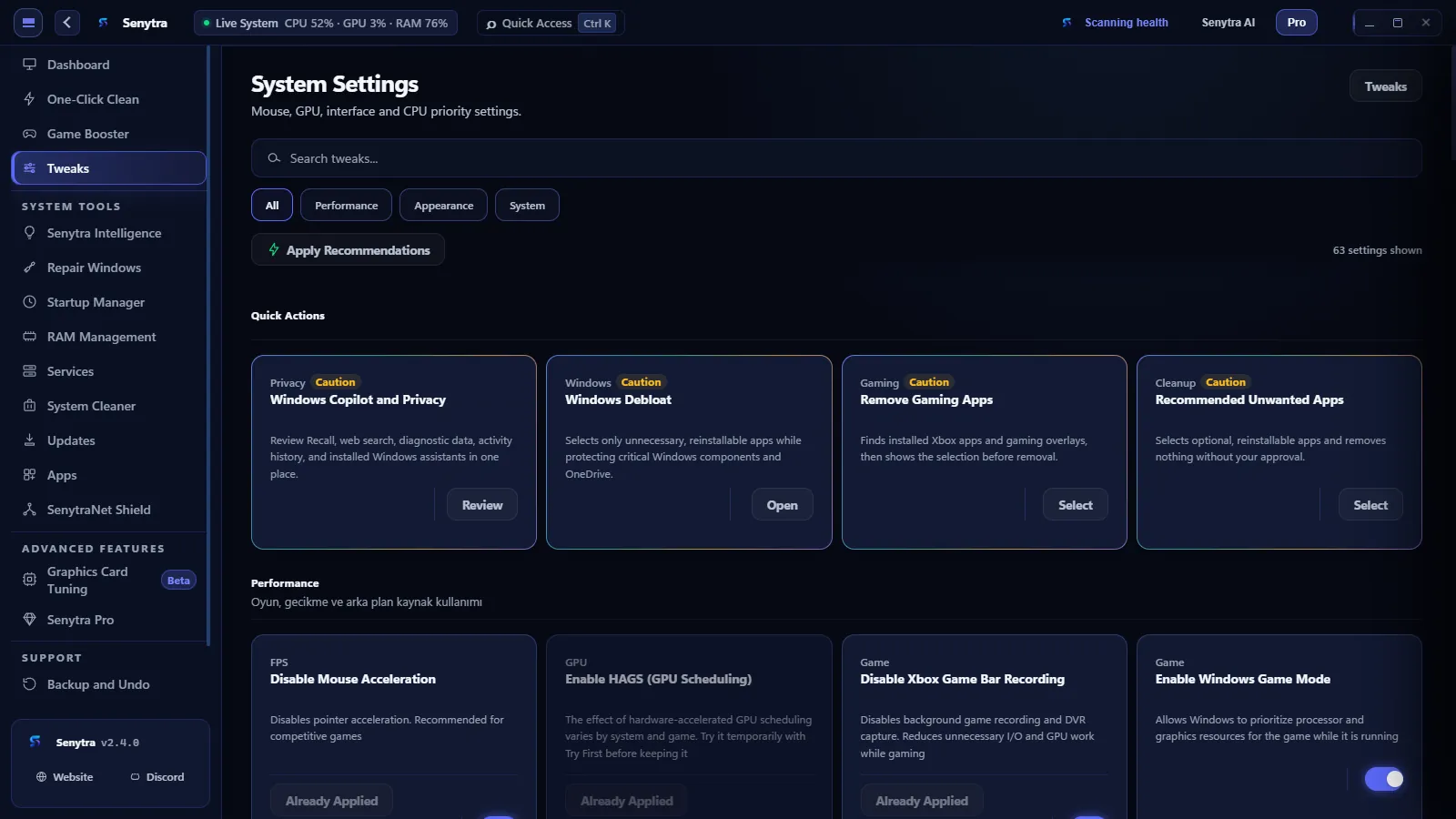
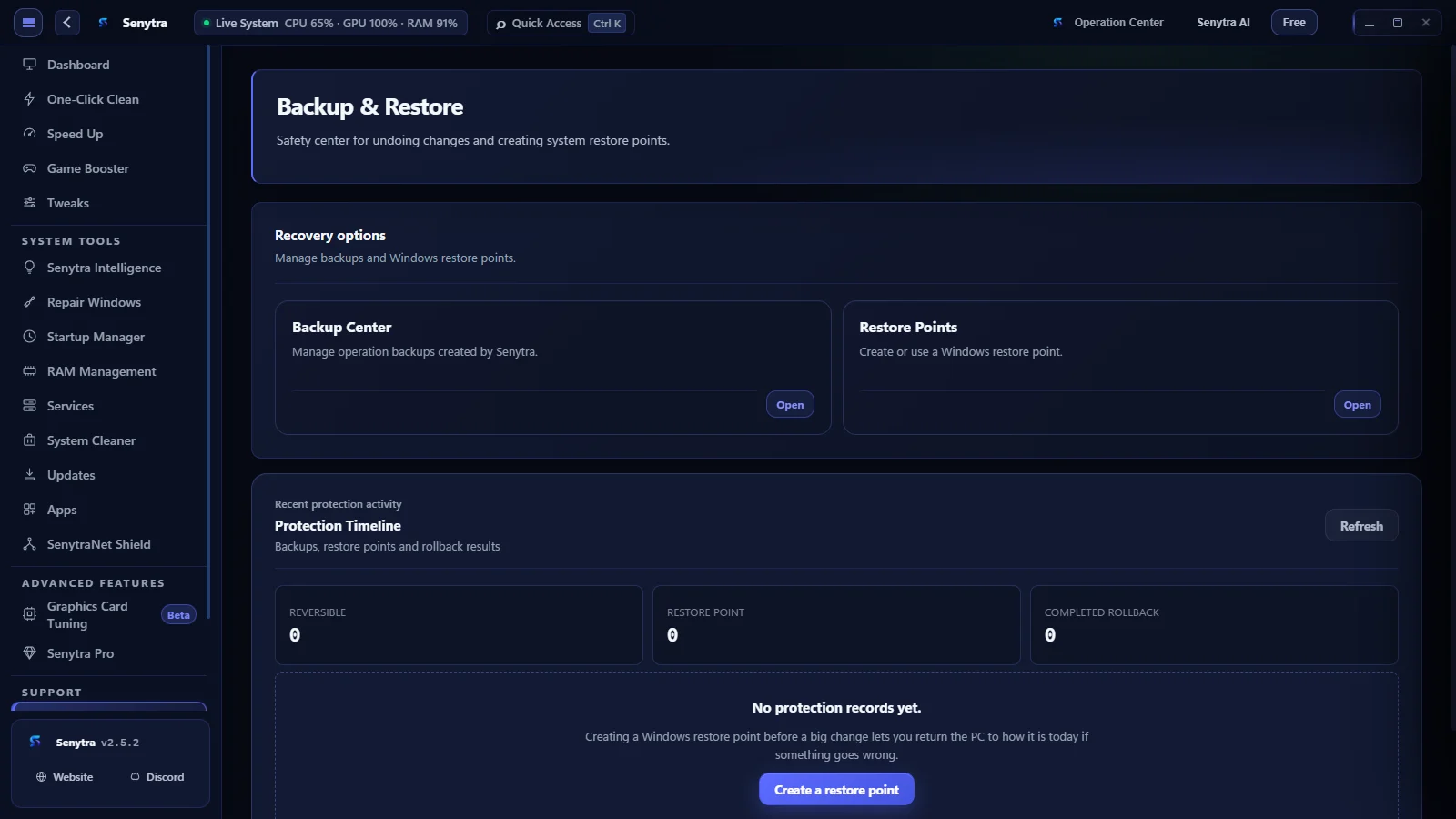
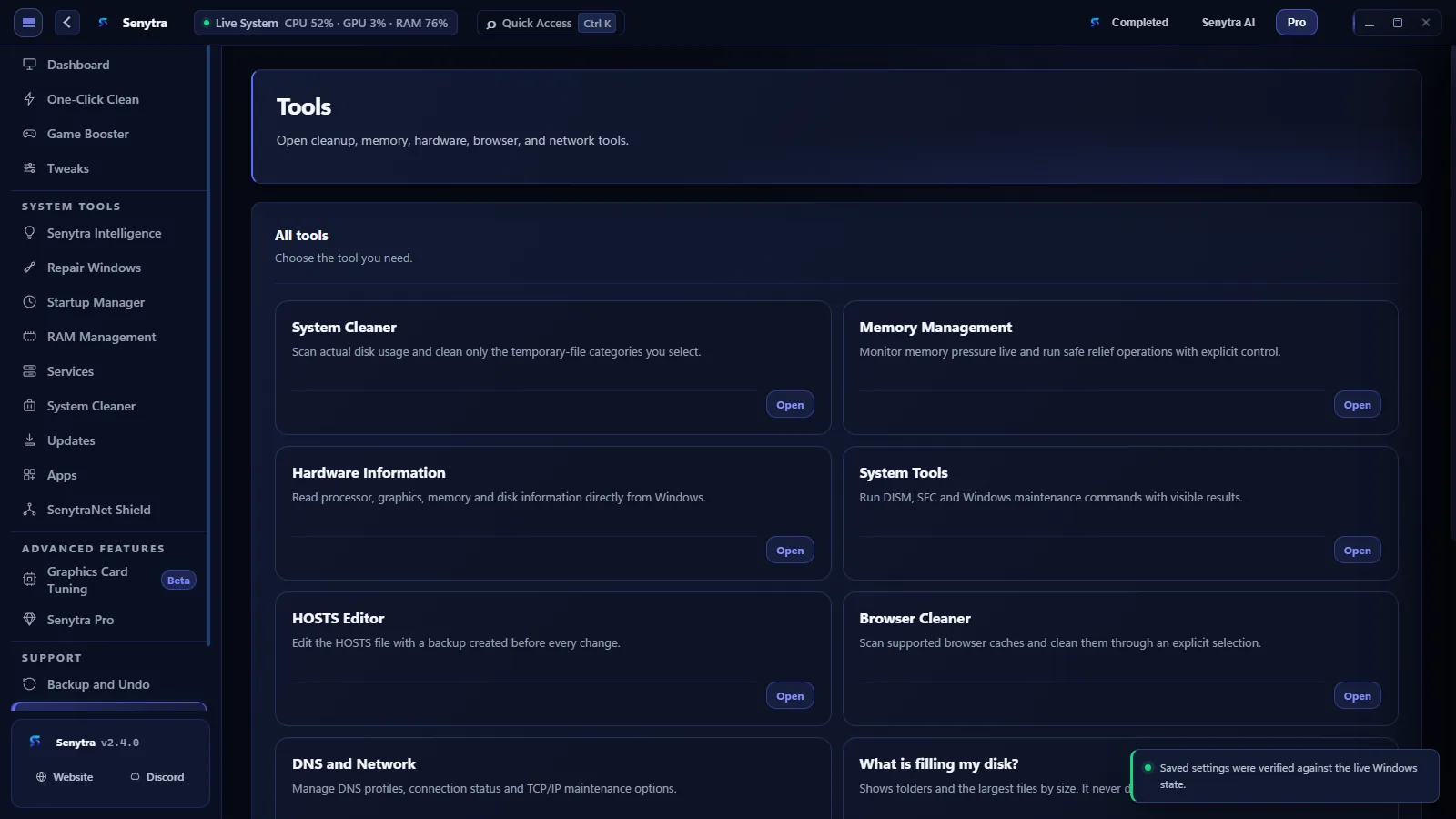
Screenshots from the current version of Senytra. Five of its main screens, one after another.

Everything Senytra can change is listed on its own page in the app. These are the tools people open most.
Senytra reads the current state, runs the approved action and checks Windows again. It reports success only when the requested state is verified.
The target is checked again when the operation begins, the interface is not treated as the source of truth.
The requested change is kept explicit and supported settings are backed up before modification.
Service, registry, power and repair operations use controlled execution paths with elevation only where Windows requires it.
A completed command is not treated as success. Senytra reads the target again and confirms the actual state.
The previous state, requested change, actual result and verification outcome stay together.
Supported changes preserve the previous value in integrity-checked local records. If verification fails, the engine can use that state for recovery instead of guessing.
The repair center checks fresh Windows state, explains the planned steps and verifies the affected component after repair. It does not turn a completed command into a fake success.
Backup and Undo lists every session. Registry and service changes can be rolled back from there, and anything that can’t be undone is marked as such.
Not every Windows change has a perfect one-click undo. Senytra keeps supported restore options and the change history visible instead of pretending otherwise.
Senytra looks before it changes something, and looks again afterwards.
Finds bottlenecks in RAM, display, storage and the GPU path without changing any setting.
Runs DISM and SFC repairs with visible results, then checks the component again.
The previous state, the result and the verification of each operation stay in one record.
Cleanup, tweaks, repair, network and gaming tools are not scattered across separate programs.
Senytra 2.4 adds the tools people kept opening other programs for. All of them are in the free version.
Removes a program with its own uninstaller, then finds the folders and registry entries it left behind. Folders go to the Recycle Bin and registry keys are backed up first.
Store apps are listed next to desktop programs and removed with Windows’ own package manager. The Store and Windows components are protected.
Installs a browser, Discord, Steam, VLC and other common apps in one go with Windows Package Manager, from each vendor’s official source.
Lists newer versions of your apps and updates the ones you pick. Tells you how old your graphics driver is and opens the vendor’s official page.
Shows folders and the largest files by size and points to the right page when a safe cleanup exists. It never deletes anything.
Frees memory that background apps are not using and Windows’ file cache, then shows the measured result. The game in front is left alone.
Ten problem areas such as sound, Bluetooth, search, display and the Store. Each one checks first, repairs only what it finds and verifies the result.
Senytra can start quietly in the tray when you sign in, even though it needs administrator rights. Laptops on battery are supported.
Pro adds tools that run while a game is open: Game Session, App Sleep, Stutter Black Box, the in-game overlay, automation rules and game components. No Free tool moved to Pro.
See the Pro toolsShort guides on Senytra, Windows optimization, cleanup, startup and gaming performance.
Download it free, finish the short setup and look at your first scan.